Vote Shop
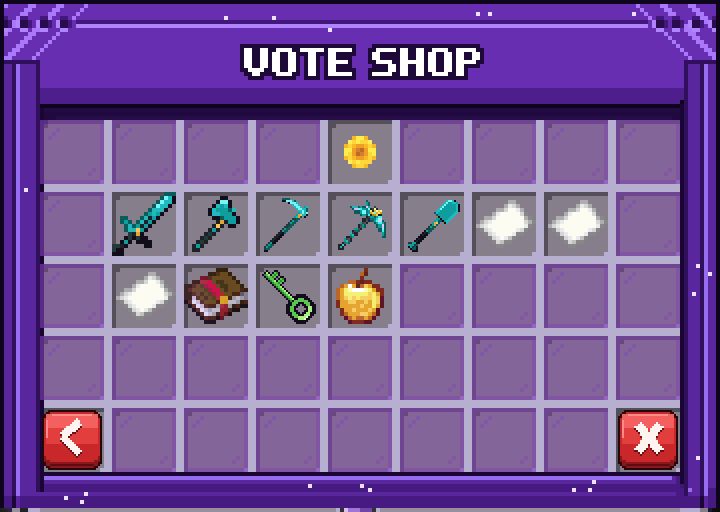
Spend the Vote Tokens you earn by voting for the server on items stocked by staff.
How It Works
Vote Tokens are actual items in your inventory (paper by default), so your balance is simply how many you're carrying. You can count them, give them away, or move them around like any other item.
You get tokens automatically every time you vote. If you're offline when the vote comes in, they're delivered the next time you log in.
Staff stock the shop and set a token price for each item. Buying something shows a confirm screen first. The purchase is checked again when you confirm, so if the item sold out or your token count changed in the meantime, it's cancelled. You can't buy or sell Vote Tokens themselves in the shop.
You can open the Vote Shop with its own command or from the /shop hub.
Commands
/voteshop- open the Vote Shop/votetoken balance [player]- check a Vote Token balance (checking another player requires permission, and they must be online)